
Overview
This article explains what a choice activity is and how to use it.
Contents
What is Choice
The Choice activity feature within Learning Space allows users to select from a variety of choices presented to them.
Using Choice
Click the Choice activity to open it. You will then see a question, the options for you to select from and a 'Save my choice' button.
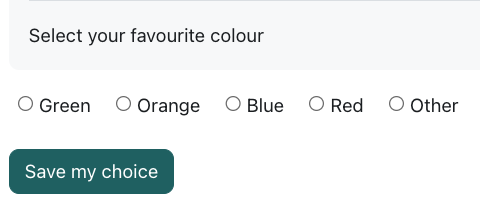
In most cases the first choice is final, however, some Choice activities allow you to revisit and amend your choice. This will depend on how the activity has been created, and should be stated in the description text section at the top of the page.
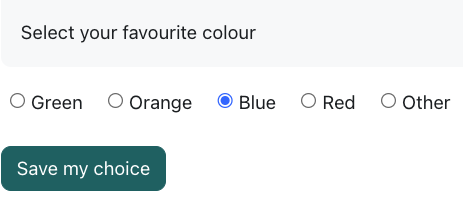
To make a choice click on the required choice option, for example 'Blue'. Once you are happy with the selection you have made click the “Save my choice” button.
You will then be presented with a message on the screen that states "Your choice has been saved".
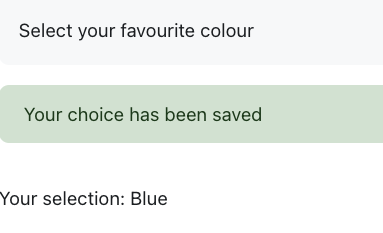
A review of your selection can be also be seen. If the Choice Activity has been set to allow results to be viewed, they would appear on this screen.
The Choice Activity has various views and options, for example the choices could be displayed vertically, and you may be able to review and amend your initial choice.
If you have any questions about how the Choice Activity has been configured please seek advice from your relevant module or award leader.
 Further Support
For general queries about the Learning Space, students should first contact their module leader or personal tutor. For any other comments or issues within this guide, please contact the Digital Learning Team via dlsupport@falmouth.ac.uk. Alternatively, please refer to the numerous help guides found on our Knowledge Base.
View the Accessibility Statement for all of our support guides.