
This guide has been created to show the external collaborator access 'journey' to Padlet boards they've been invited to and the steps they need to follow.
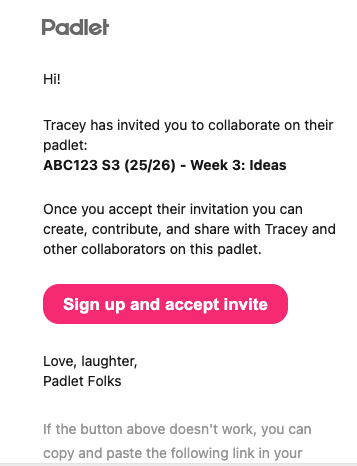
When you have been invited to a Falmouth Padlet board, you'll receive an email notification with a link to ‘sign up and accept the invite’
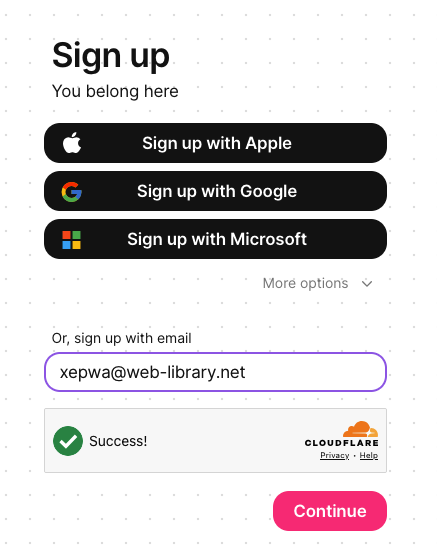
When you click the link, the sign up screen will open and your email address will have automatically been added to the ‘sign up with email’ box.
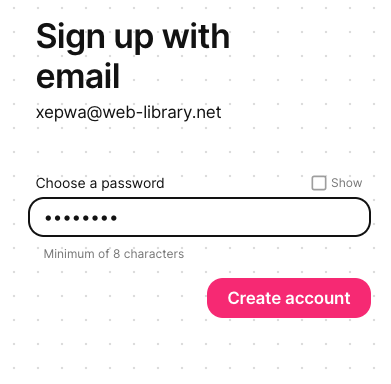
Click the ‘Continue’ button, enter a password and then click the ‘Create account’ button.
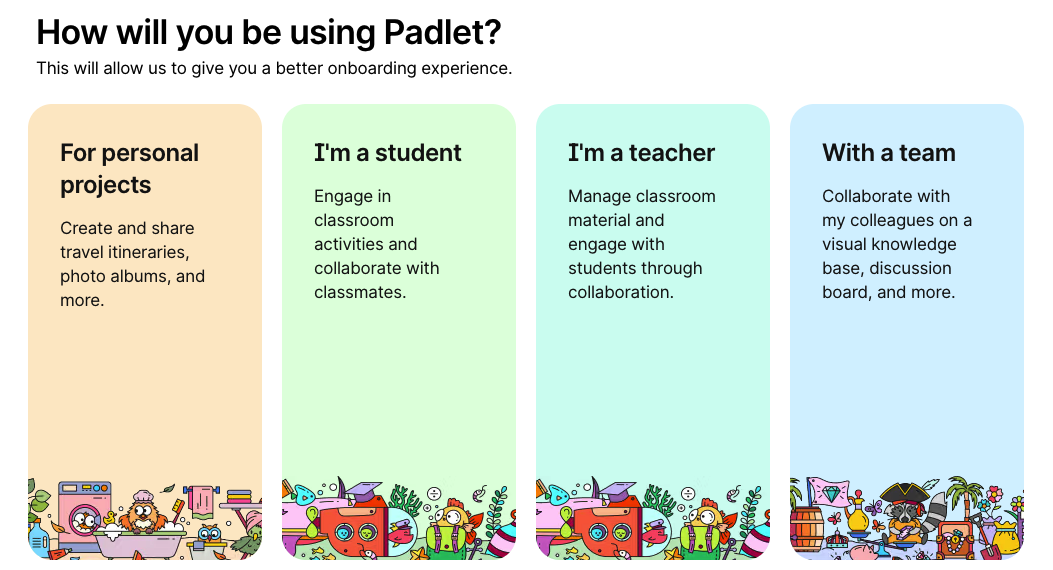
You will then be prompted to indicate how you will be using Padlet. Select from the available options - e.g. 'within a team'
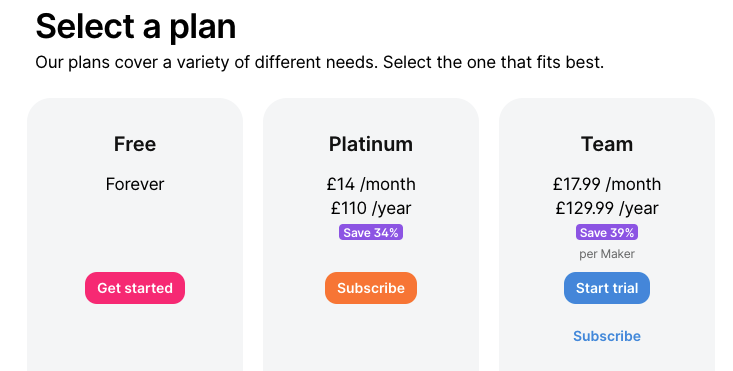
The final step is to select the ‘Free Forever’ plan and click the ‘Get started’ button
The Padlet board you've been invited to will then open for you to access.
Note:If you were expecting to contribute/add posts to and are unable to, please contact the member of staff that sent you the invite as they'll be able to change your role permissions
 Further support
For further support with Padlet, or to report any issues with this guide, please get in touch with the Digital Learning Team via dlsupport@falmouth.ac.uk. Alternatively, please refer to the numerous help guides found on our Knowledge Base.
View the Accessibility Statement for all of our support guides.